
Azure CloudIntermediate
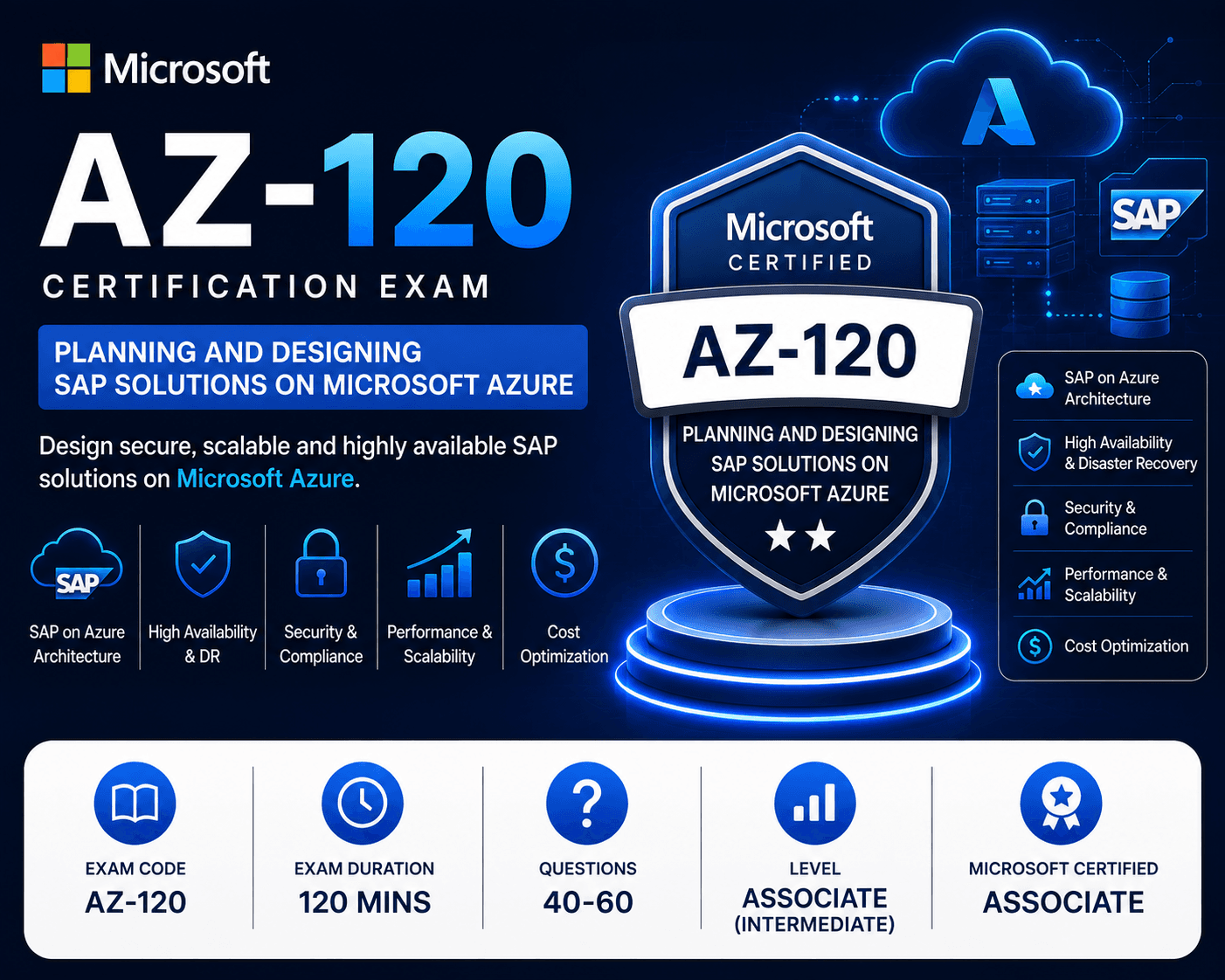
AZ-120 Azure for SAP Workloads Specialty
5 (152 reviews) 158 students 6 Weeks Intermediate
Instructor
Category
Azure Cloud
Rating
5 (152)
Students
158
Language
English
Duration
6 Weeks
What you'll cover
1Migrate SAP Workloads to Azure+
- Assess SAP workload requirements and target sizing
- Identify supported SAP deployment scenarios on Azure
- Plan compute, storage, and networking requirements
- Evaluate licensing, quotas, costs, and support plans
- Select the appropriate SAP migration strategy
- Design and implement SAP RISE integration
2Design and Implement SAP Compute Infrastructure+
- Select SAP-certified Azure virtual machines
- Configure Azure VM extensions for SAP
- Deploy SAP workloads using Azure Marketplace images
- Create and deploy custom VM images
- Automate deployments using Bicep and ARM templates
- Use SAP Deployment Automation Framework and Azure Center for SAP solutions
3Design and Implement SAP Networking+
- Design Azure virtual networks and subnets
- Configure Accelerated Networking
- Design for SAP workload latency requirements
- Configure network security and traffic flow
- Implement private endpoints and service endpoints
- Configure ExpressRoute for hybrid SAP connectivity
4Design and Implement SAP Storage+
- Select appropriate Azure storage solutions
- Design disk striping and simple volumes
- Configure disk caching and Write Accelerator
- Implement storage encryption and data protection
- Design Azure NetApp Files and Azure Files
- Optimize storage performance and security for SAP workloads
5High Availability and Disaster Recovery+
- Design SAP workloads using Availability Zones and Availability Sets
- Configure load balancing for high availability
- Implement HANA and SAP Central Services clustering
- Configure Pacemaker, STONITH, and Azure fencing
- Design Azure Site Recovery and regional DR solutions
- Implement and validate SAP backup, restore, and recovery strategies
6Optimize SAP Performance and Costs+
- Analyze Azure Advisor recommendations
- Optimize SAP network and storage performance
- Resize Azure virtual machines based on workload requirements
- Optimize VM costs using Savings Plans and Reserved Instances
- Optimize SAP application and database performance
- Reduce costs through storage optimization and data archiving